
Browse all guides
Guide 05 / Bookings & availability
Get to know your calendar
Use day, week and month views to see appointments and available hours.
Screen 3 of 3
Compare days across the week
Use Week when you want to plan several days together without switching between individual dates.
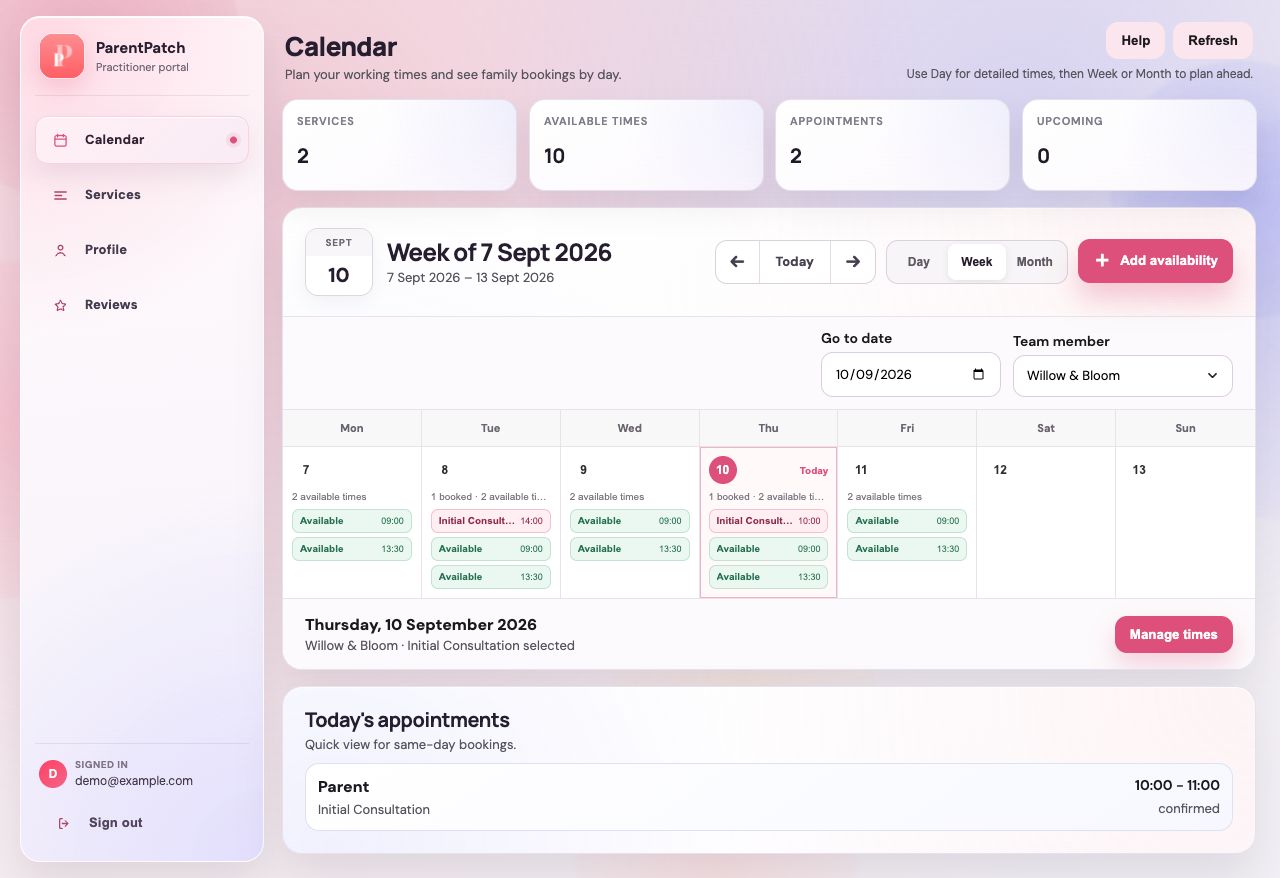
Move between weeks
Use the date controls to move backwards or forwards. Today returns you to the current period.
Look for gaps and booked times
Compare availability and appointments across the week. Open availability management if you need to offer additional hours.
Guide updated 10 September 2026. Illustrations use sample data; your account details may differ. These guides do not create accounts, services, bookings or availability.