
Learn at your own pace
Your guide to ParentPatch.
From your first sign-in to your next booking. Follow the visual guides below, or jump straight to the task you need.
8 guides · Step-by-step instructions and annotated screenshots
 01
01Getting started
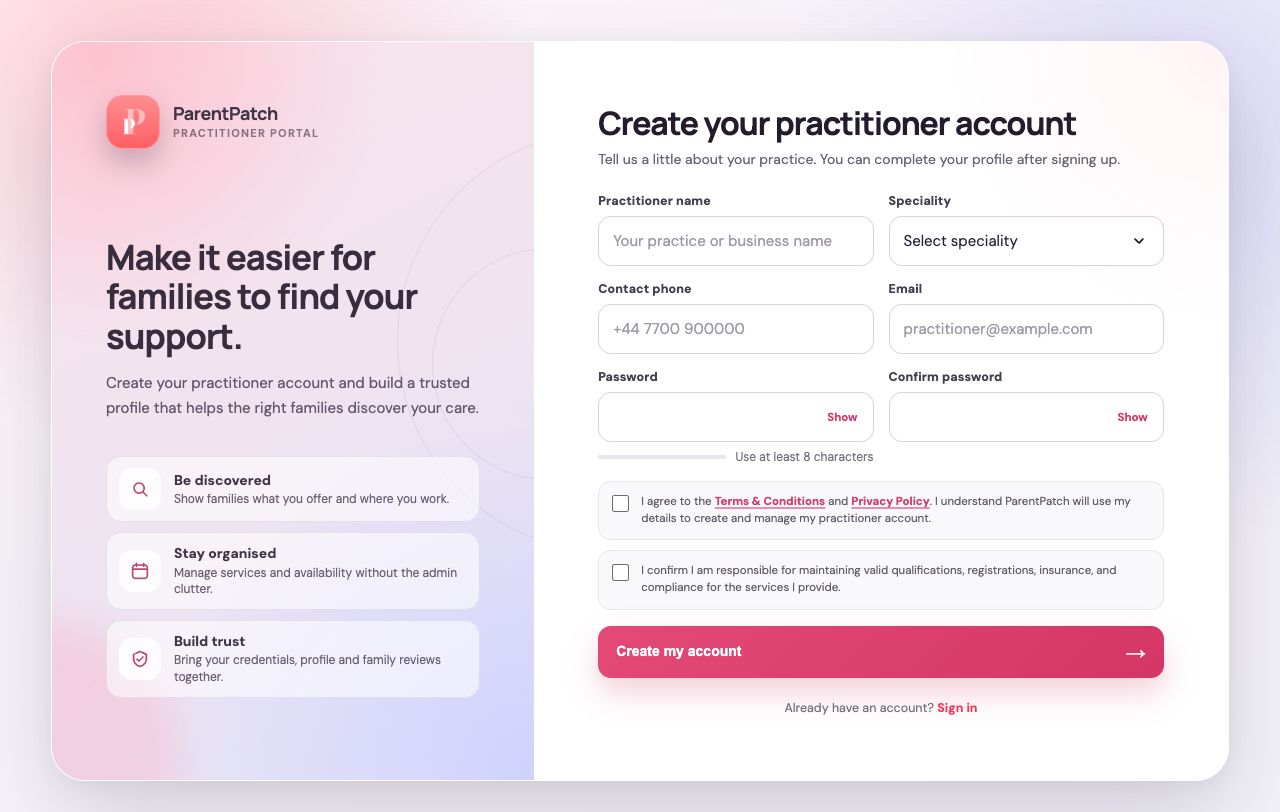
Create your account
Sign up, understand the consent options and find your way back in.
 02
02Getting started
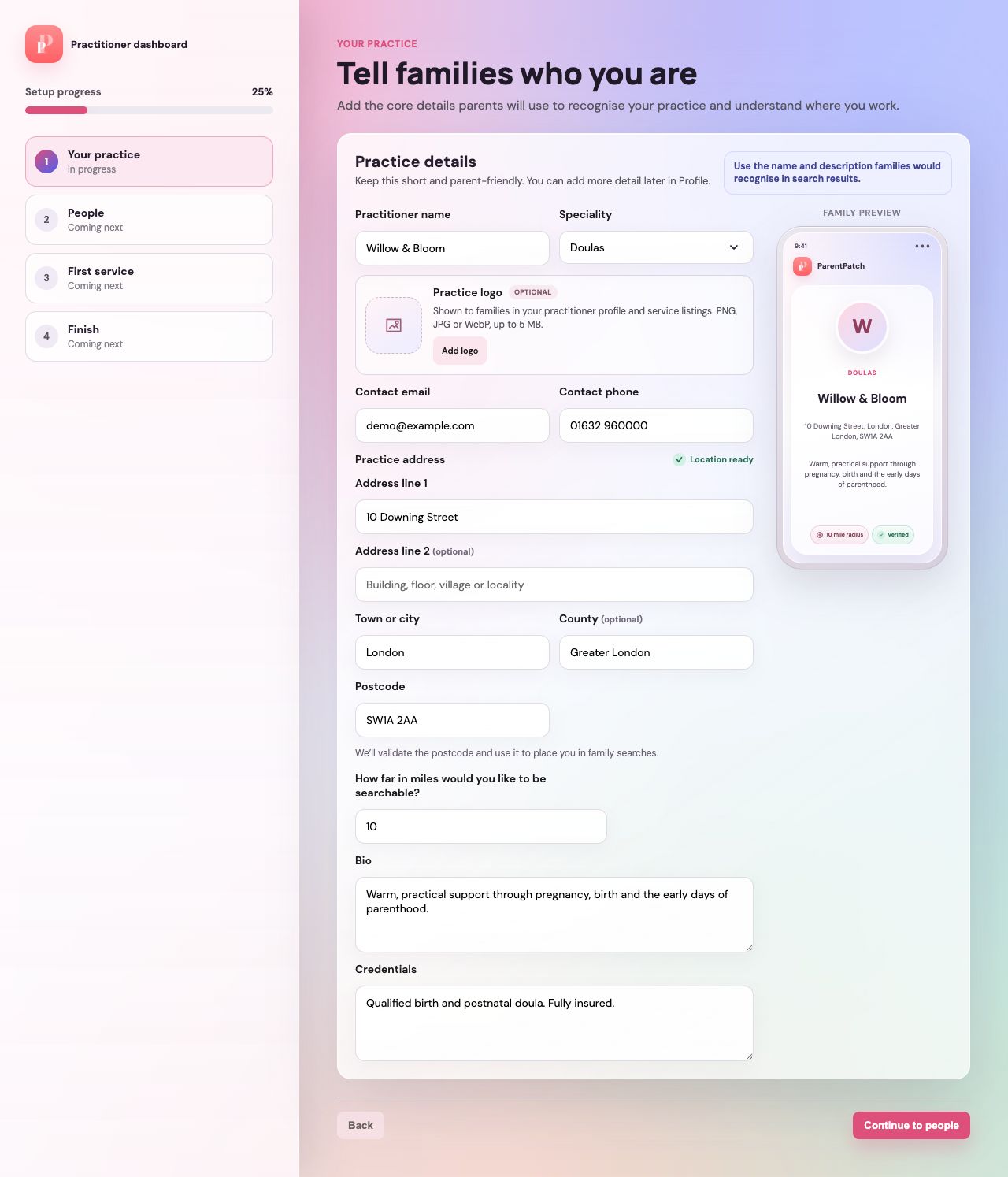
Set up your practice
Introduce your practice, add your team and prepare your first service.
 03
03Your practice
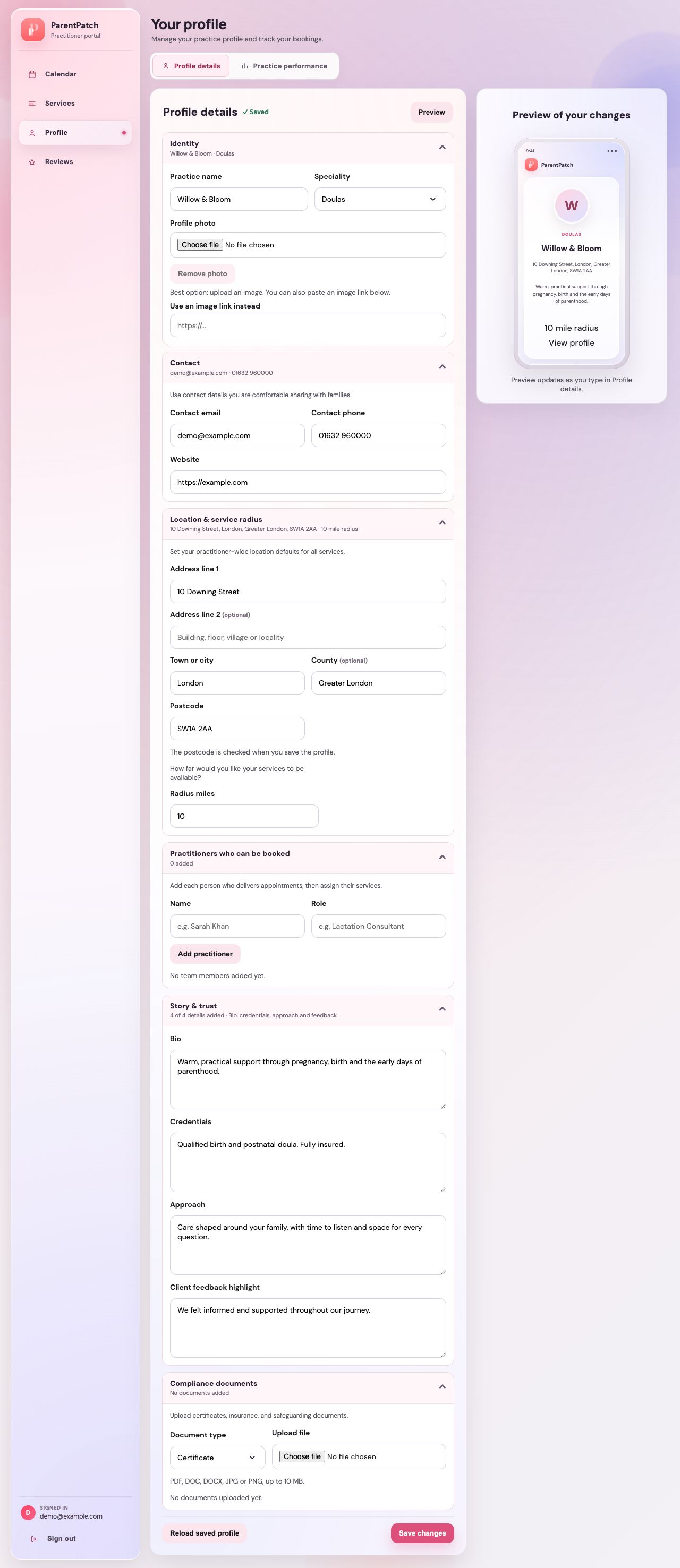
Make your profile your own
Manage your logo, address and practice details, then review your performance.
 04
04Your practice
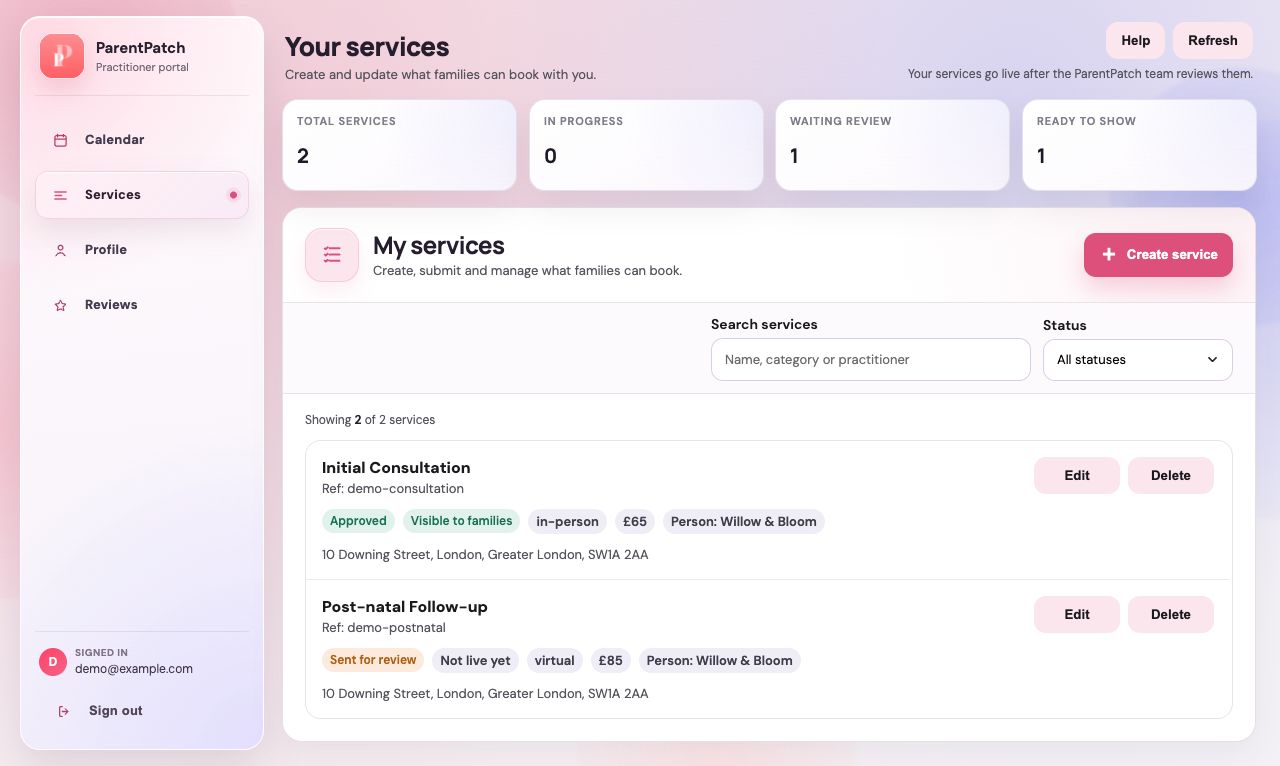
Manage your services
Find your services and understand their review and publication status.
 05
05Bookings & availability
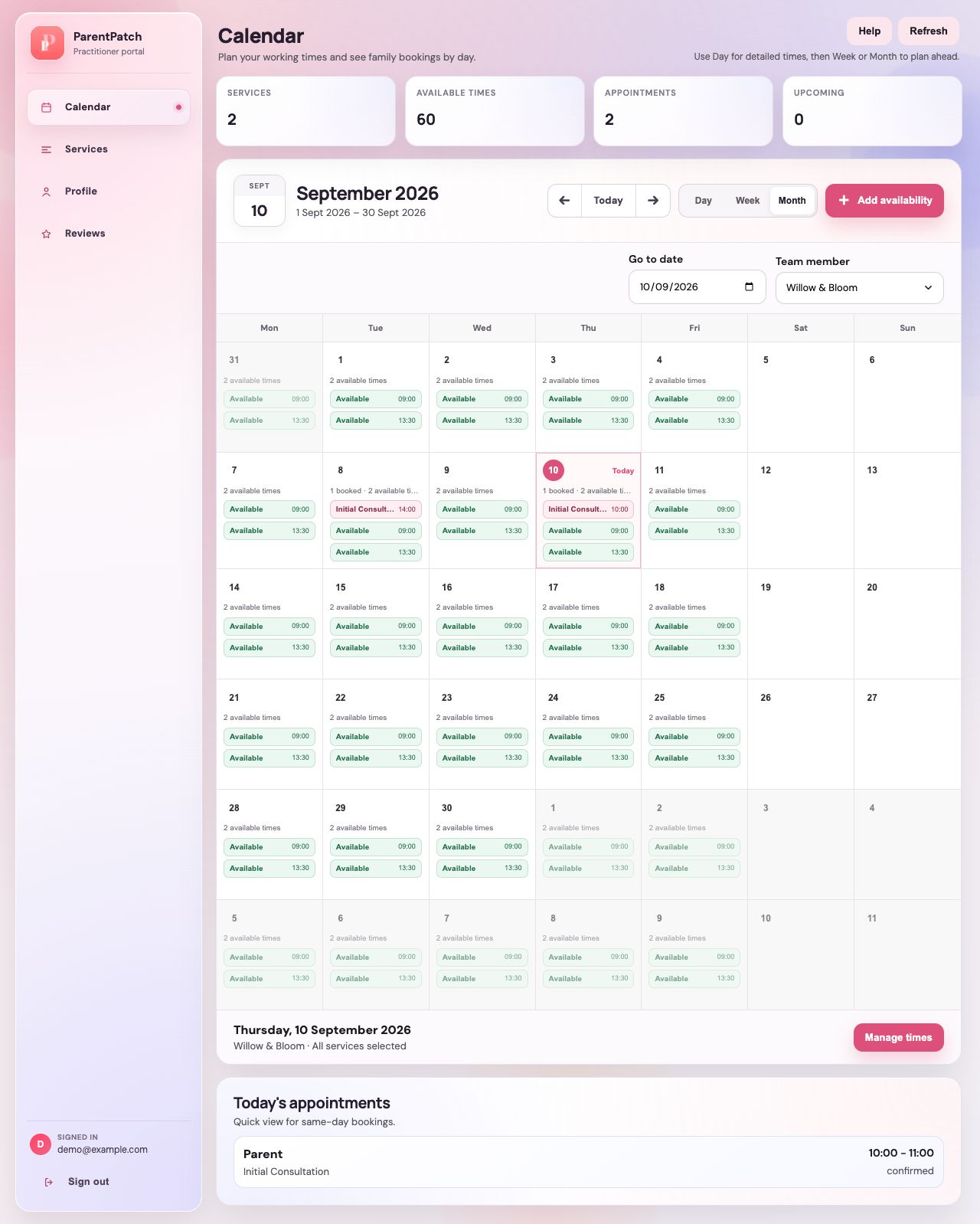
Get to know your calendar
Use day, week and month views to see appointments and available hours.
 06
06Bookings & availability
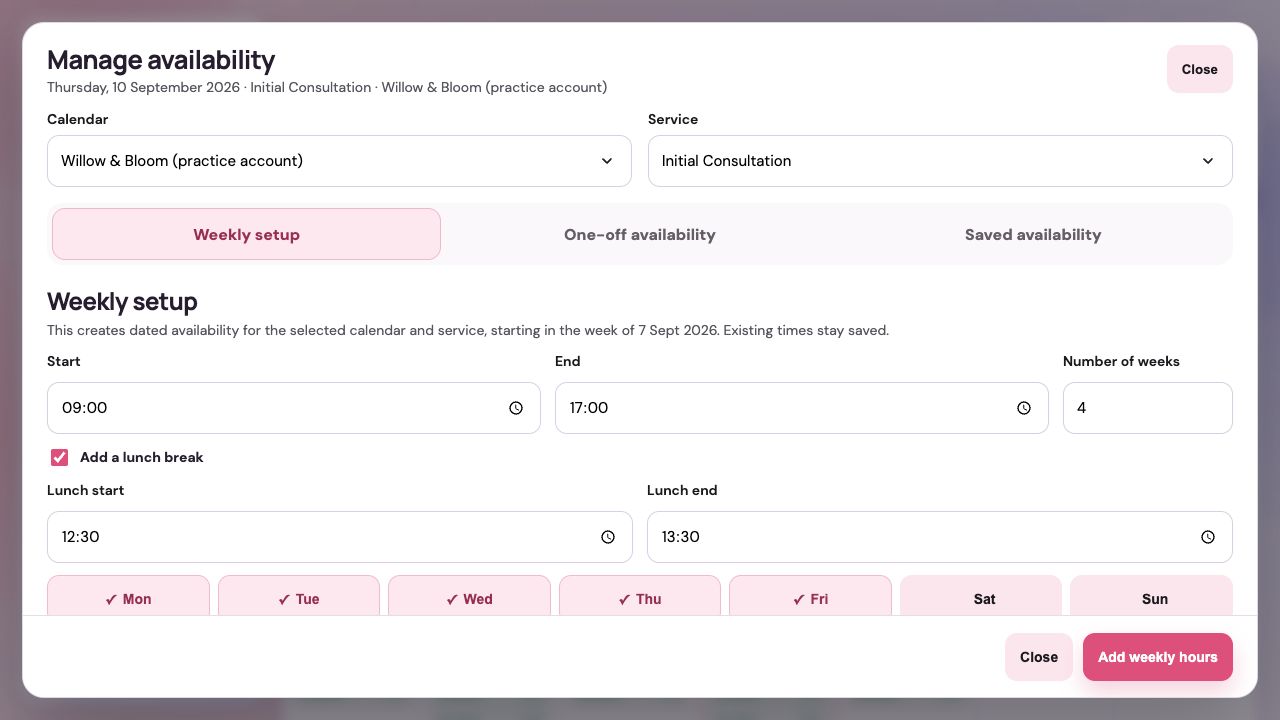
Set your bookable hours
Add weekly hours, make time for a one-off appointment and manage saved times.
 07
07Your practice
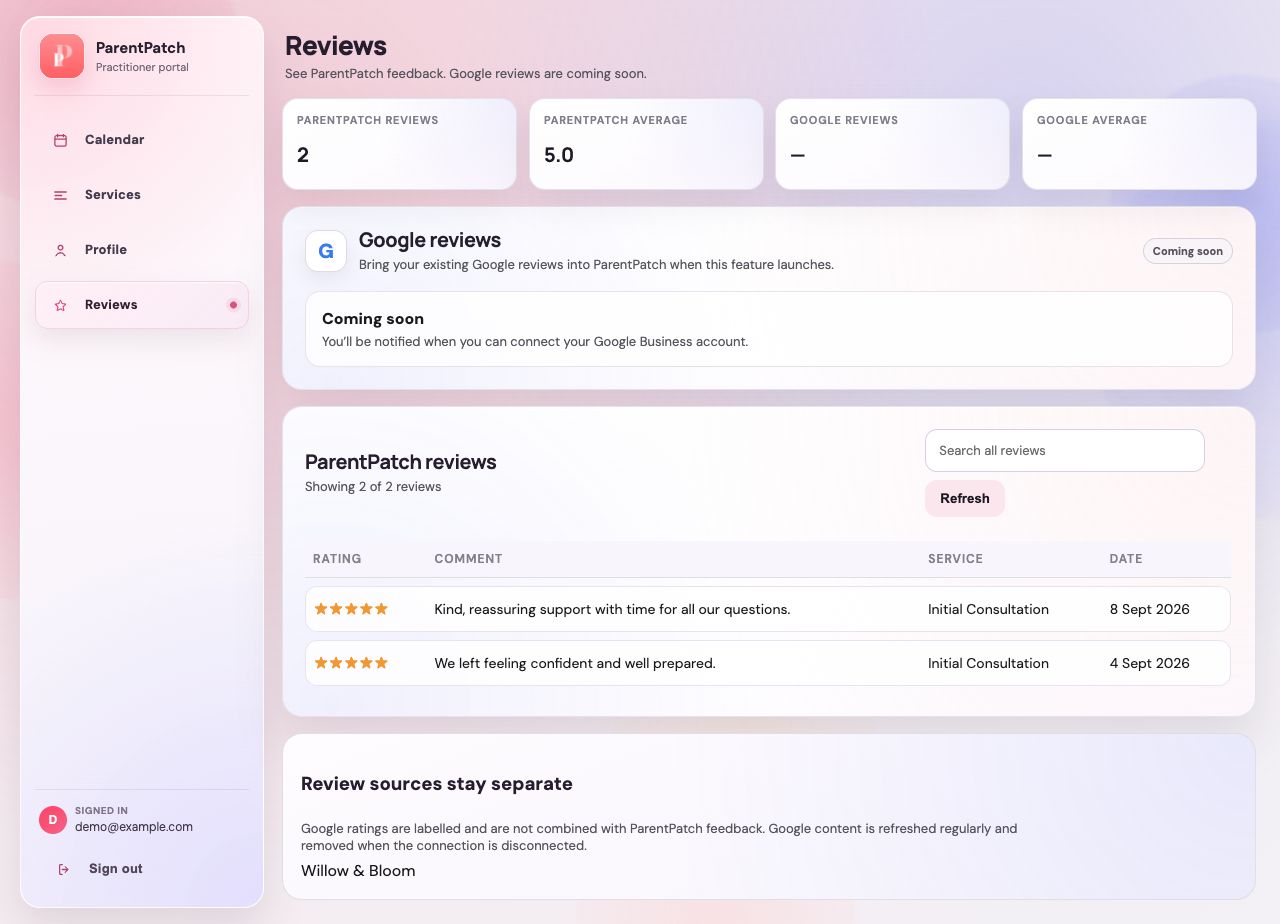
Find your reviews
Read ParentPatch feedback and see what is coming next for Google Business.
 08
08On the go
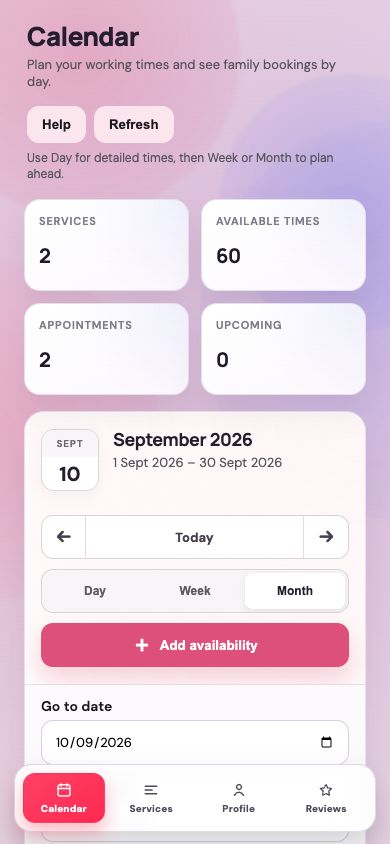
Use the dashboard on your phone
Follow setup, enter your address and manage availability on a smaller screen.
Screenshots use demonstration data, not real family records. Your practice details, bookings and screen layout may differ.