
Browse all guides
Guide 01 / Getting started
Create your account
Sign up, understand the consent options and find your way back in.
Screen 1 of 3
Create your practitioner account
Enter your account details, choose a password and review the consent statements before creating your account.
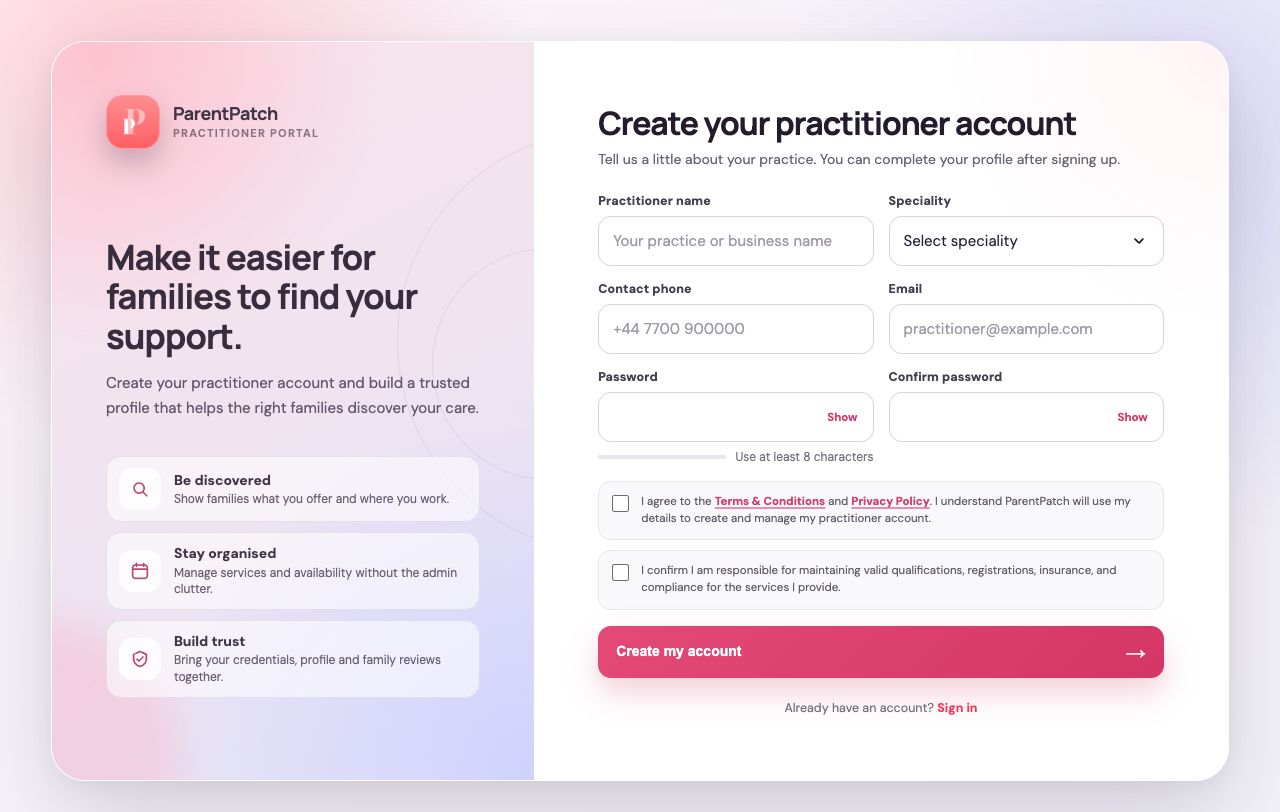
Read the terms and privacy information
Open Terms & Conditions and Privacy Policy before agreeing. These explain the service and how your details are used.
Create your account
Complete the required fields and consent options, then select Create account. You will move on to practice setup.
Guide updated 10 September 2026. Illustrations use sample data; your account details may differ. These guides do not create accounts, services, bookings or availability.