
Browse all guides
Guide 02 / Your practice
Manage your services
Find a service, edit its details and understand its review and visibility status.
Screen 3 of 3
Save a draft or send for review
Finish the service description and price, then choose the appropriate review stage before saving.
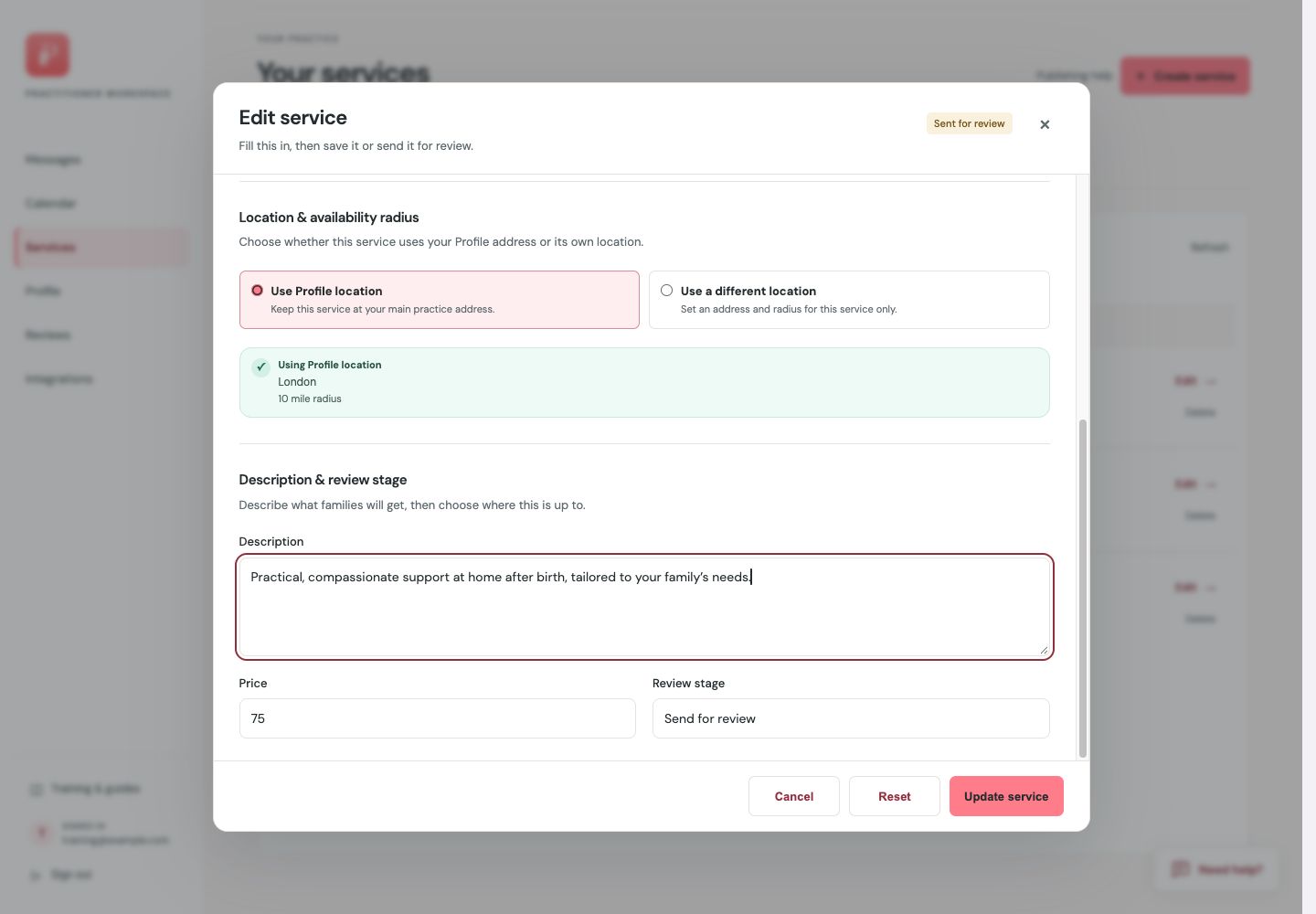
Describe the support and price
Explain what families receive in plain language and check the price. Review the details before submitting.
Choose the review stage
Keep an unfinished service In progress, or select Send for review when it is ready. Changing this selection alone does not save or approve the service.
Save and check the list
Use Update service for an existing entry, or the create action for a new one. Wait for confirmation, then check its stage and visibility in the directory.
Before you continueApproval is reviewed by ParentPatch. A submitted service is not immediately visible or bookable. Profile approval and service availability also matter.
Guide updated 29 October 2026. Screenshots use fictional sample data; your account details may differ. These guides do not create accounts, services, bookings or availability.