
Browse all guides
Guide 01 / Getting started
Create your account
Sign up, understand the consent options and find your way back in.
Screen 3 of 3
Sign back in
Return to the practitioner sign-in page whenever you need to manage your practice.
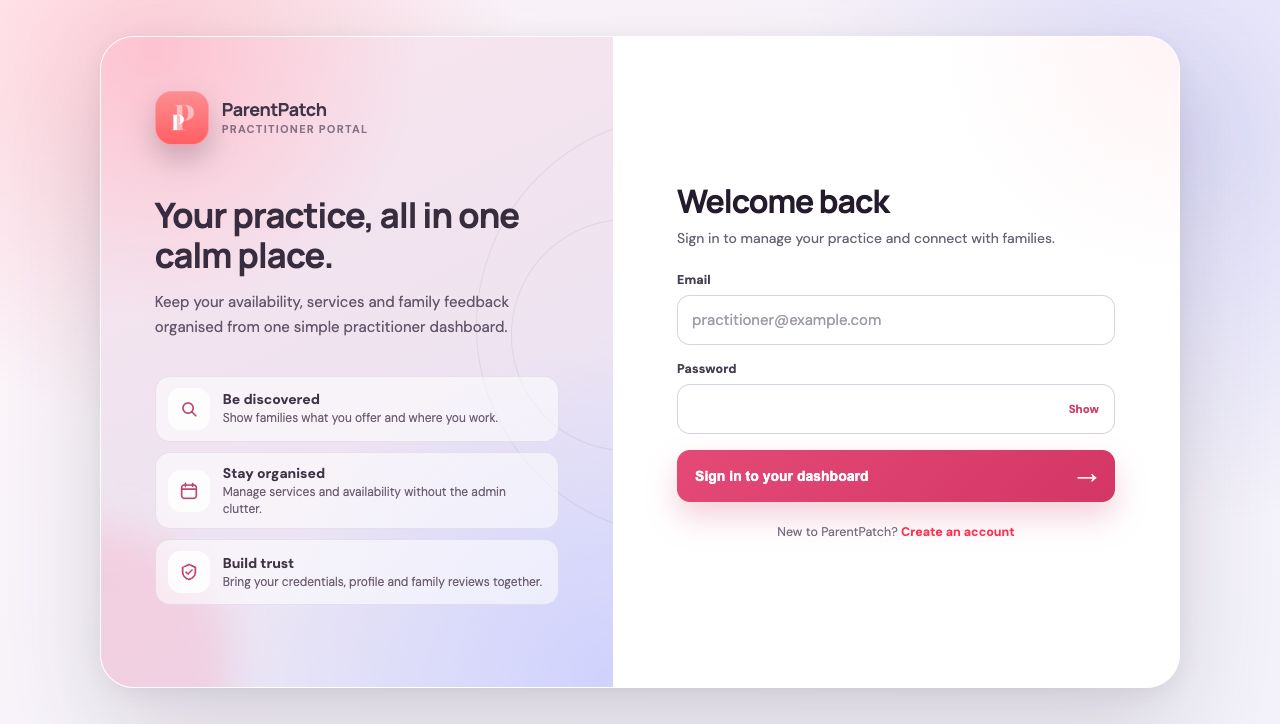
Use the practitioner portal
Choose the practitioner sign-in page, not a family account screen. This opens your practice dashboard or unfinished setup.
Enter your account details
Use the email and password you registered with. The password-visibility control helps you check for typing mistakes.
Guide updated 10 September 2026. Illustrations use sample data; your account details may differ. These guides do not create accounts, services, bookings or availability.