
Browse all guides
Guide 01 / Getting started
Create your account
Sign up, understand the consent options and find your way back in.
Screen 2 of 3
Wait for your account to be created
The button changes to Creating account… while the request is being processed.
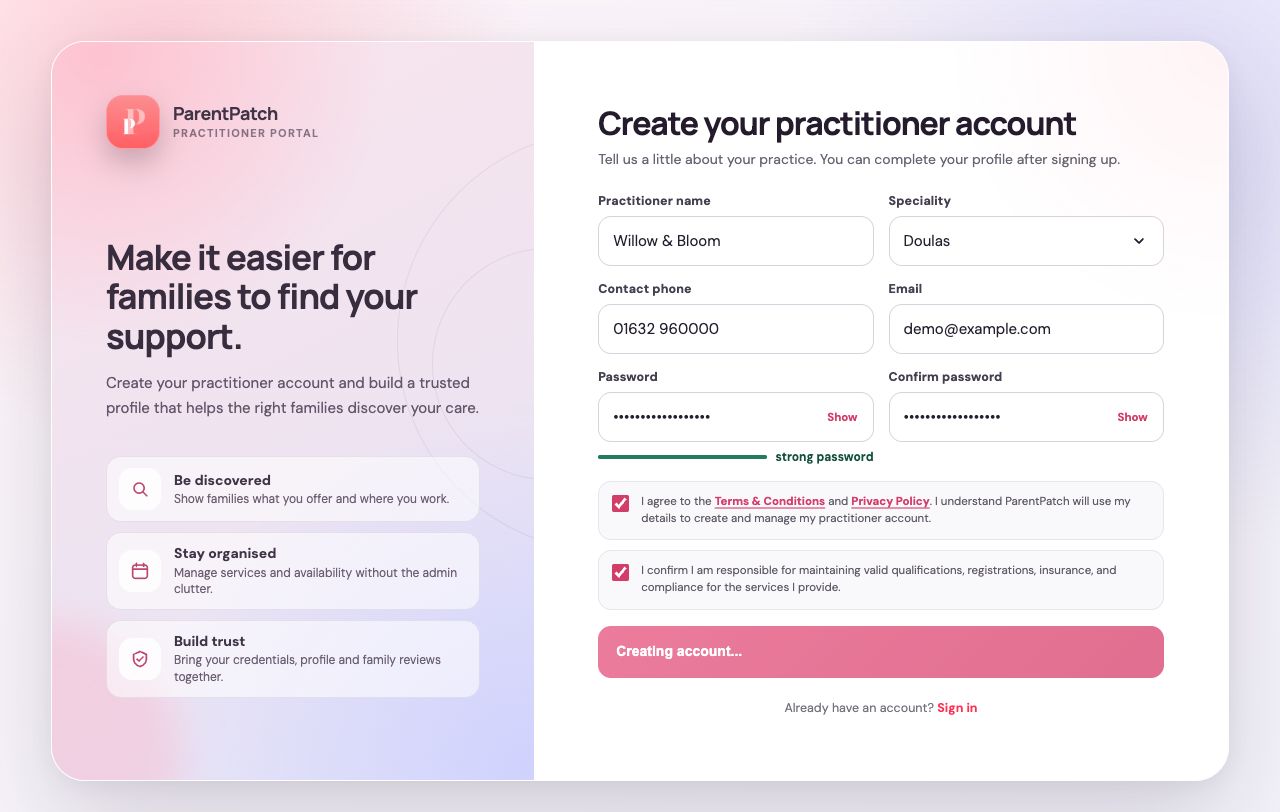
Give the request time to finish
Wait for the next screen rather than pressing the button again. If an error appears, follow its instructions before retrying.
Keep your details private
Use your own email address and a strong password. Never share your password with families or other practitioners.
Guide updated 10 September 2026. Illustrations use sample data; your account details may differ. These guides do not create accounts, services, bookings or availability.