
Browse all guides
Guide 05 / Families & feedback
Keep in touch with families
Find a conversation, write a reply and share an appointment from your inbox.
Screen 1 of 2
Find a family conversation
Open Messages to read the conversations available to your practice.
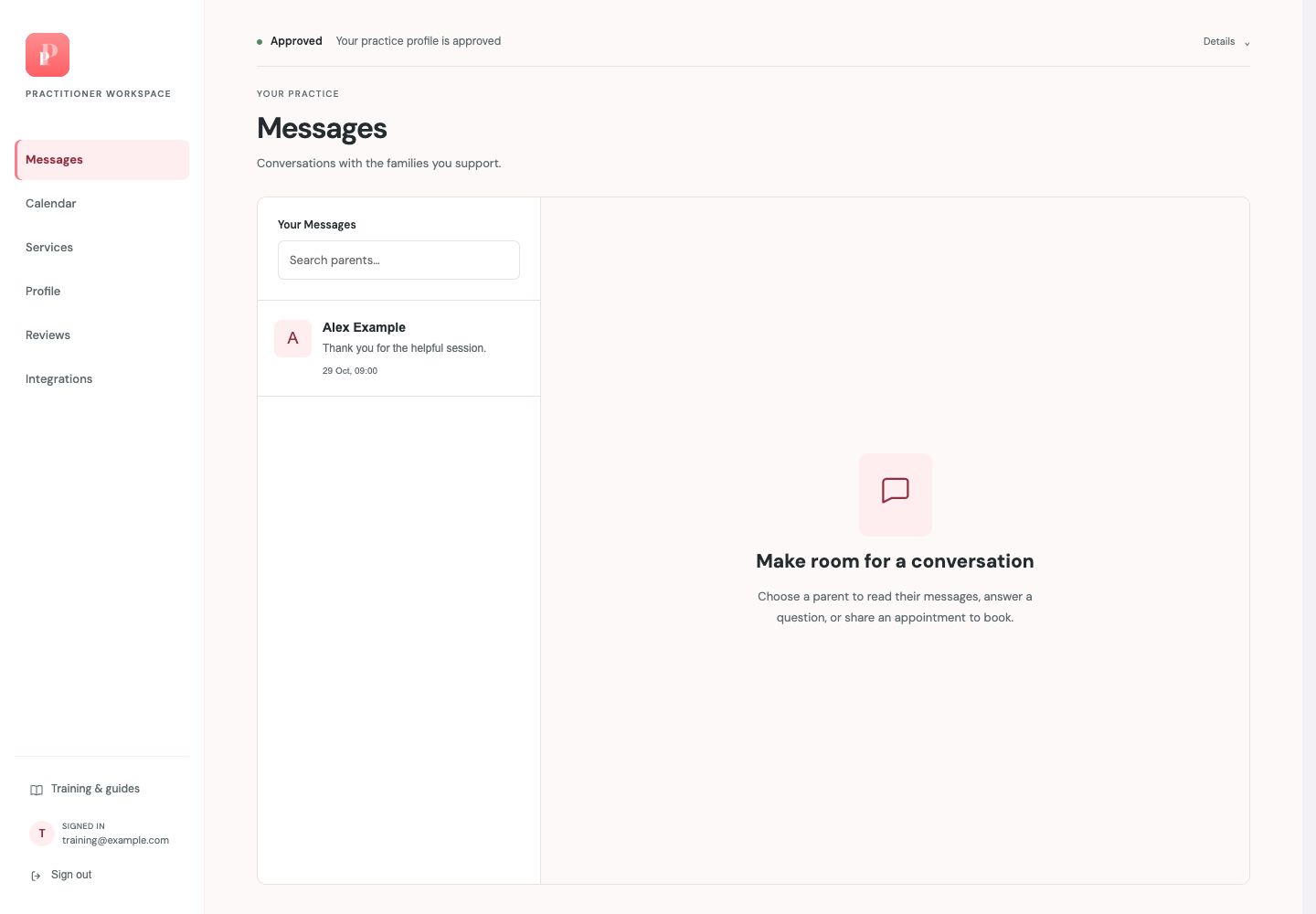
Search your inbox
Use Search parents to narrow the conversation list.
Choose a conversation
Select the family’s entry to open its messages. The preview and date help you find the right conversation.
Read before replying
The main panel stays empty until you choose a parent. Opening a conversation lets you read its context before writing.
Guide updated 29 October 2026. Screenshots use fictional sample data; your account details may differ. These guides do not create accounts, services, bookings or availability.