
Browse all guides
Guide 06 / Families & feedback
Read family feedback
Search ParentPatch reviews and understand the ratings shown in your dashboard.
Screen 1 of 1
Read reviews and ratings
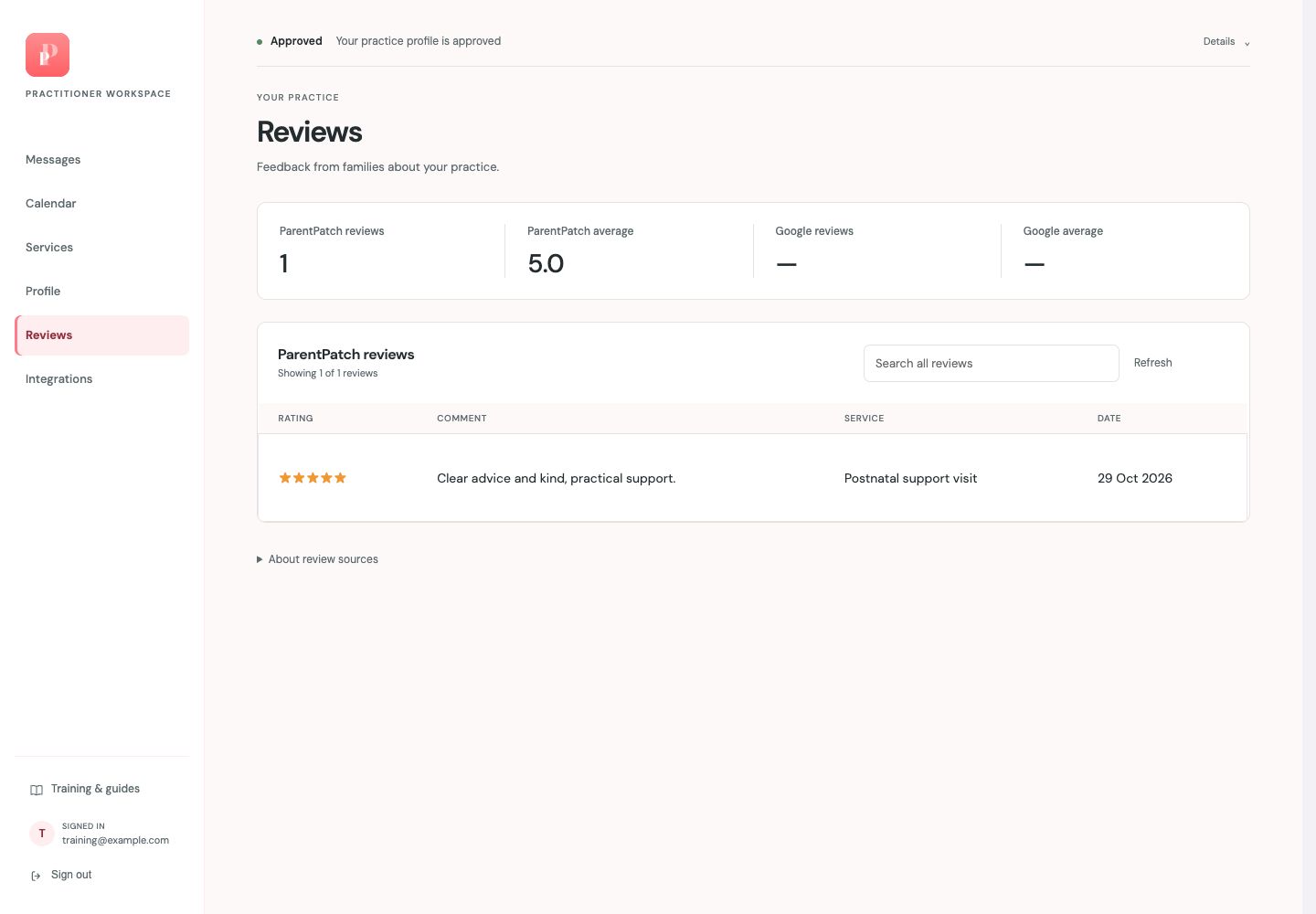
Reviews shows ParentPatch feedback, search and a summary of ratings at the top.
Read the summary by source
ParentPatch and Google have separate review counts and averages. A dash means a figure is unavailable; it does not mean a zero-star rating.
Search the review list
Use Search all reviews to find relevant feedback. Check the comment, service and date in each row.
Understand where reviews come from
Expand About review sources for context. Google connection details are in Integrations; availability depends on the status shown there.
Guide updated 29 October 2026. Screenshots use fictional sample data; your account details may differ. These guides do not create accounts, services, bookings or availability.